It’s extremely rare for me to come across a device on Kickstarter and feel compelled to back it immediately. But the UltraBar X is a rare exception. When I first spotted the bar-shaped touchscreen and its ever-expanding set of modules on the crowdfunding website, my immediate reaction was to prebook it. For it’s not always that a sleek and attractively functional device as this shows up to fill your workstation with unlimited controls.
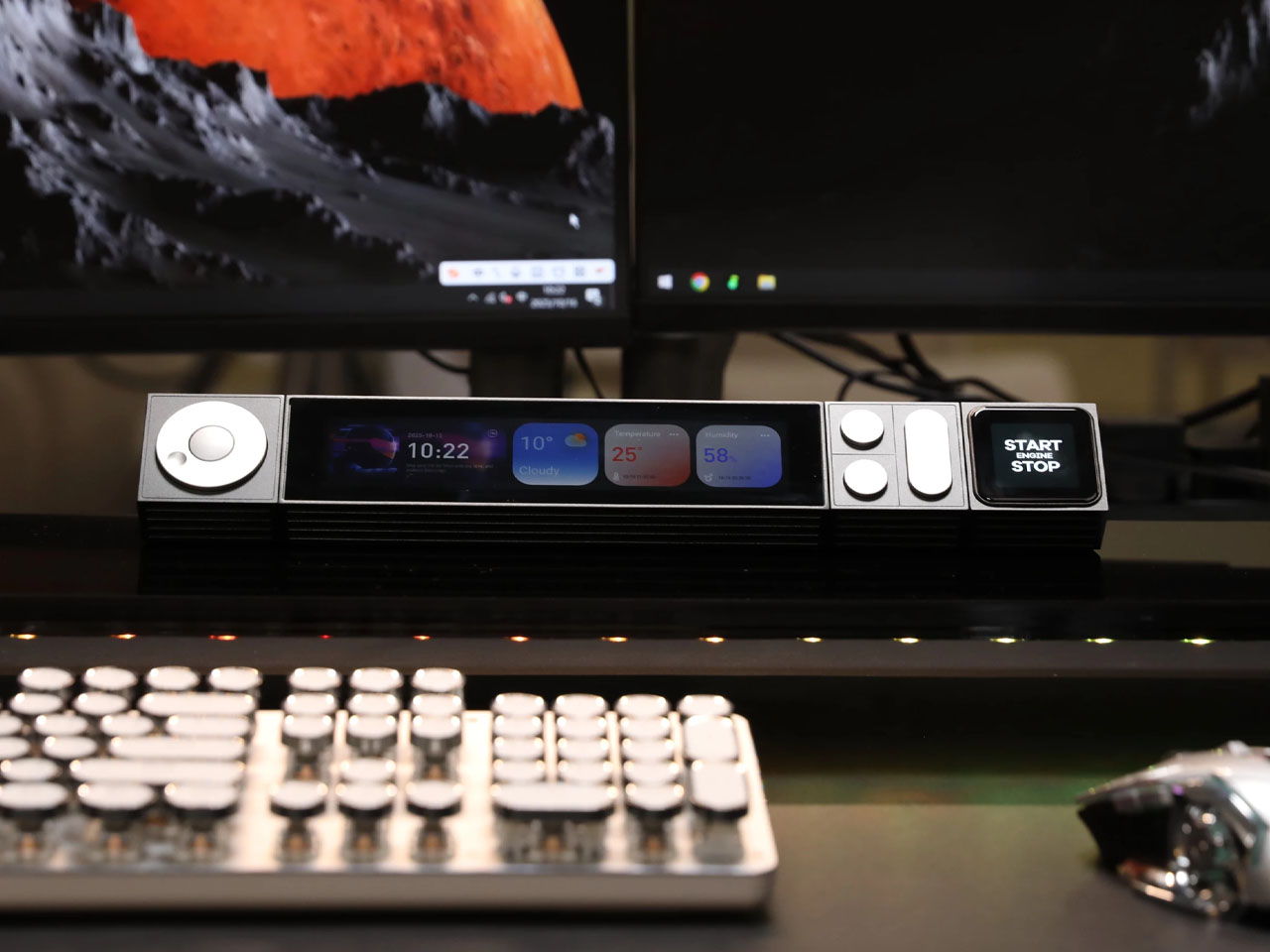
Clean and minimal, the UltraBar X boasts an array of modular smart blocks that when snapped together magnetically allow you to control everything at once. To put it simply, UltraBar X is a smart control center for your desk. It’s a thoughtfully designed modular system built to simplify your workflow by organizing your desk and giving you more control over both your PC and the smart home environment.
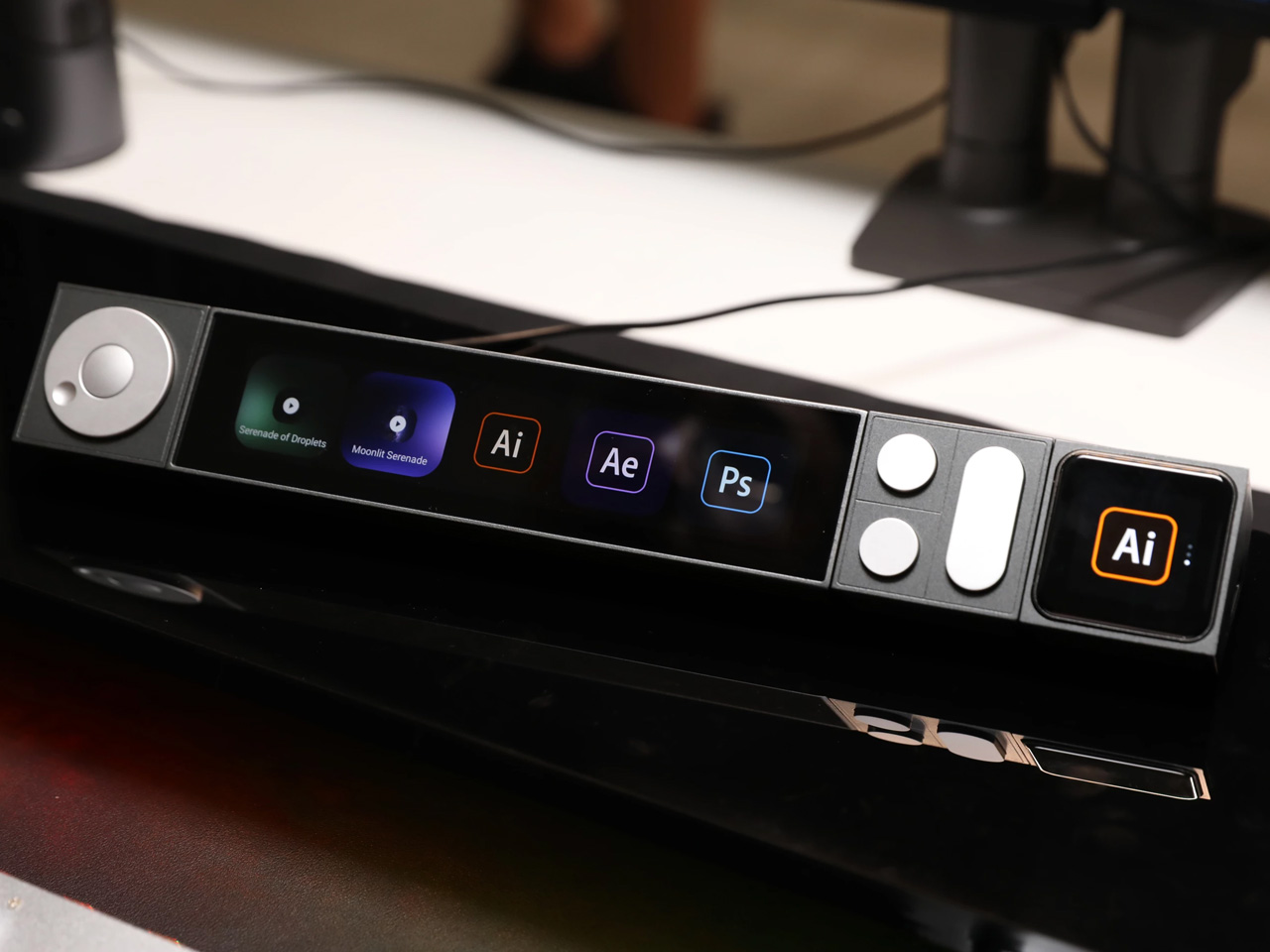
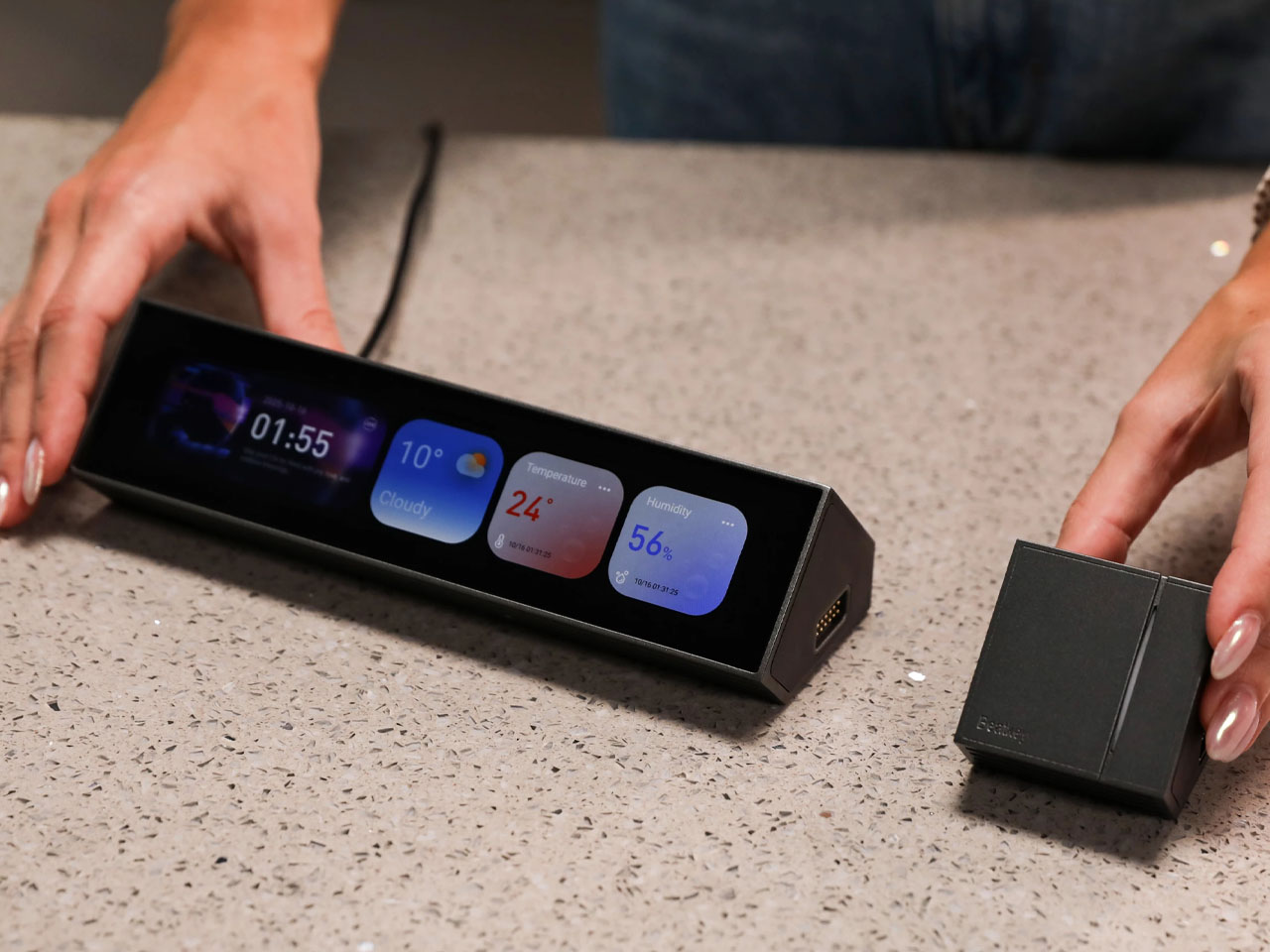
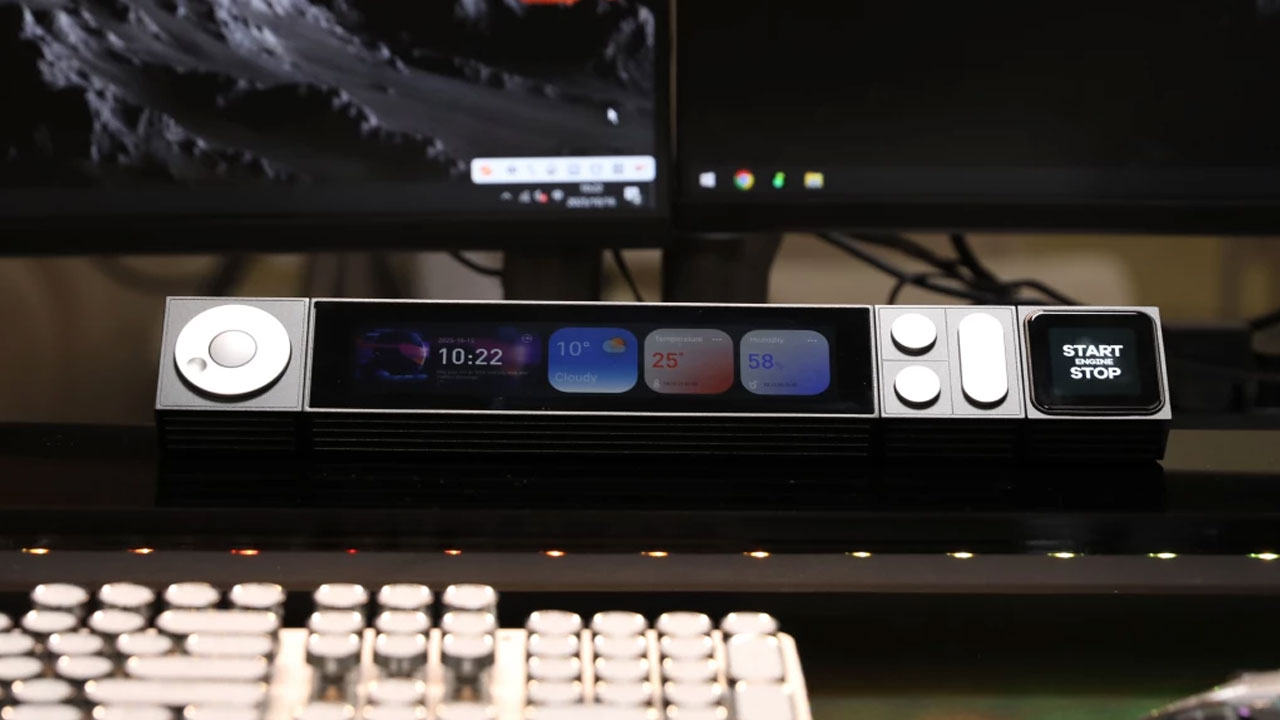
The device comprises five key parts: CoreBar, VivoCube, SenseCube, DotKey, and KnobKey. All these modules snap together magnetically to help user “centrally manage tasks that normally require cumbersome operations on your desktop.” Whether it’s controlling your computer, smart lights, music, or curtains; UltraBar X does it efficiently within seconds from a single modular device. We’ll get to these modules one by one.
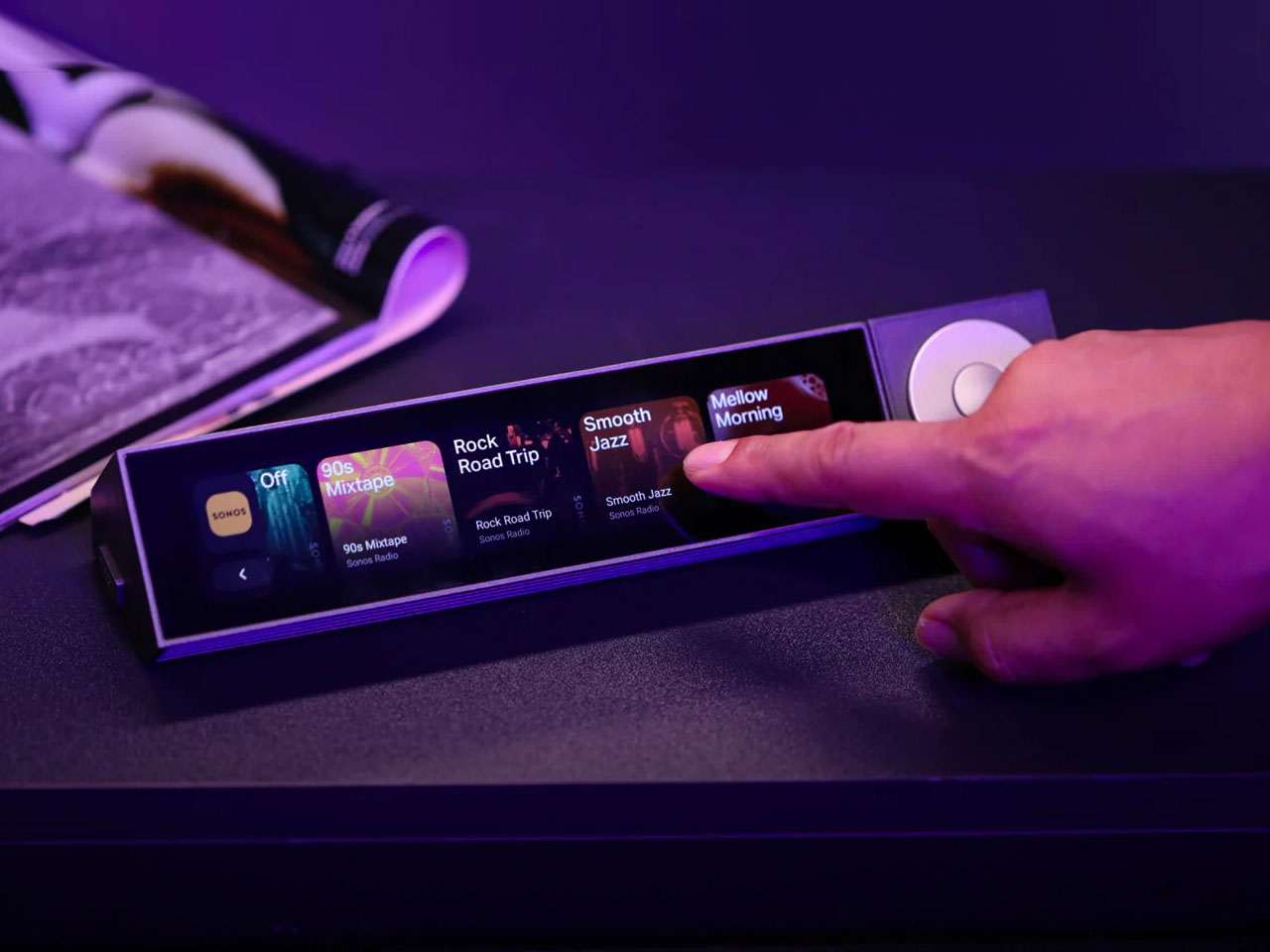
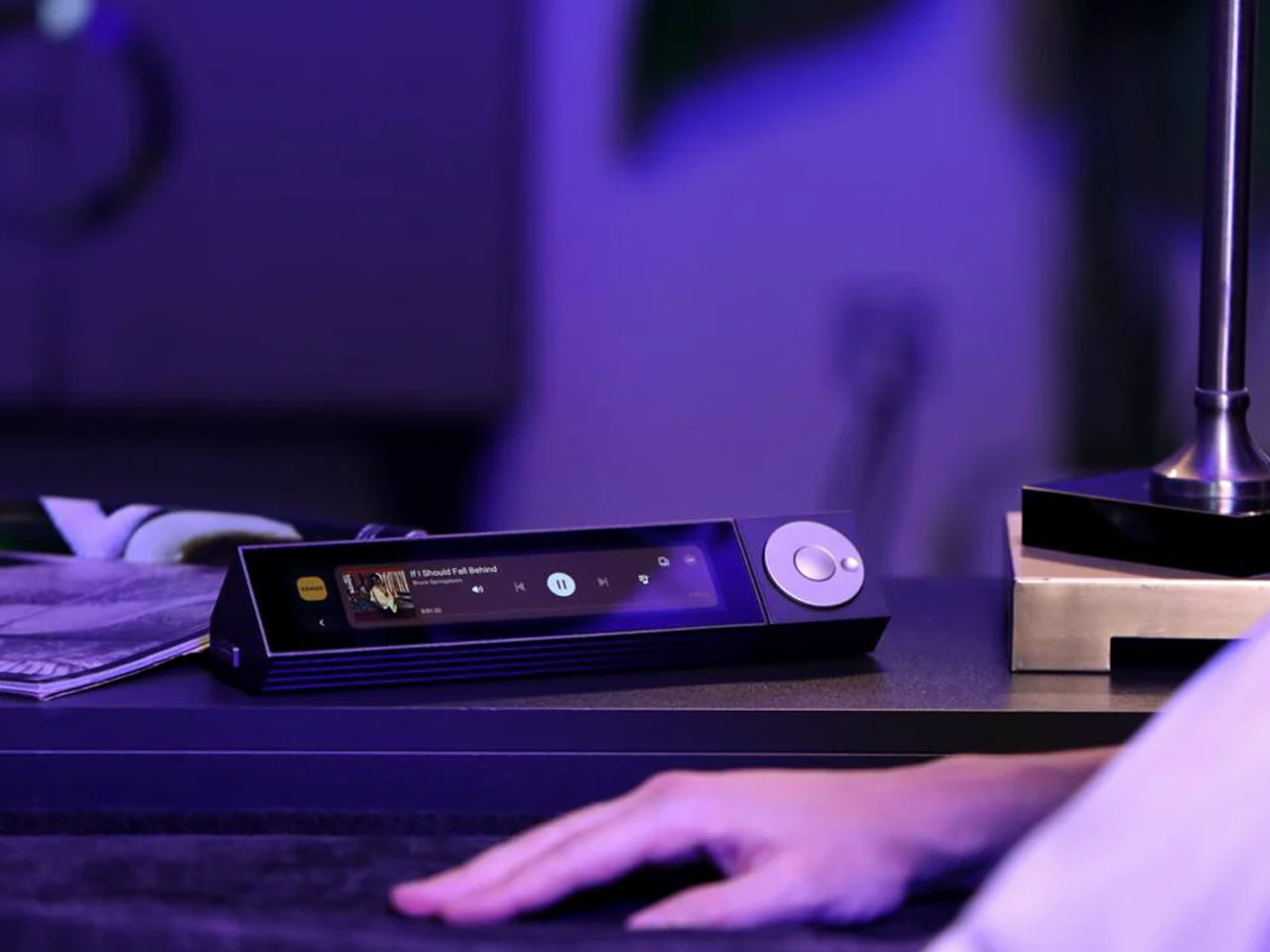
Beginning with the CoreBar, it’s a seven-inch ultrawide touchscreen that links to your PC, offering 1424 x 280-pixel resolution. The CoreBar includes a USB-C port and supports wireless connectivity via Bluetooth and Wi-Fi. Next up is the compact VivoCube, equipped with a bright two-inch AMOLED display. VivoCube does not features a built-in battery, supports external power input and can serve as a power distribution node for other modules, acting as a bridge that connects to CoreBAR for flexible, distributed desktop layouts.
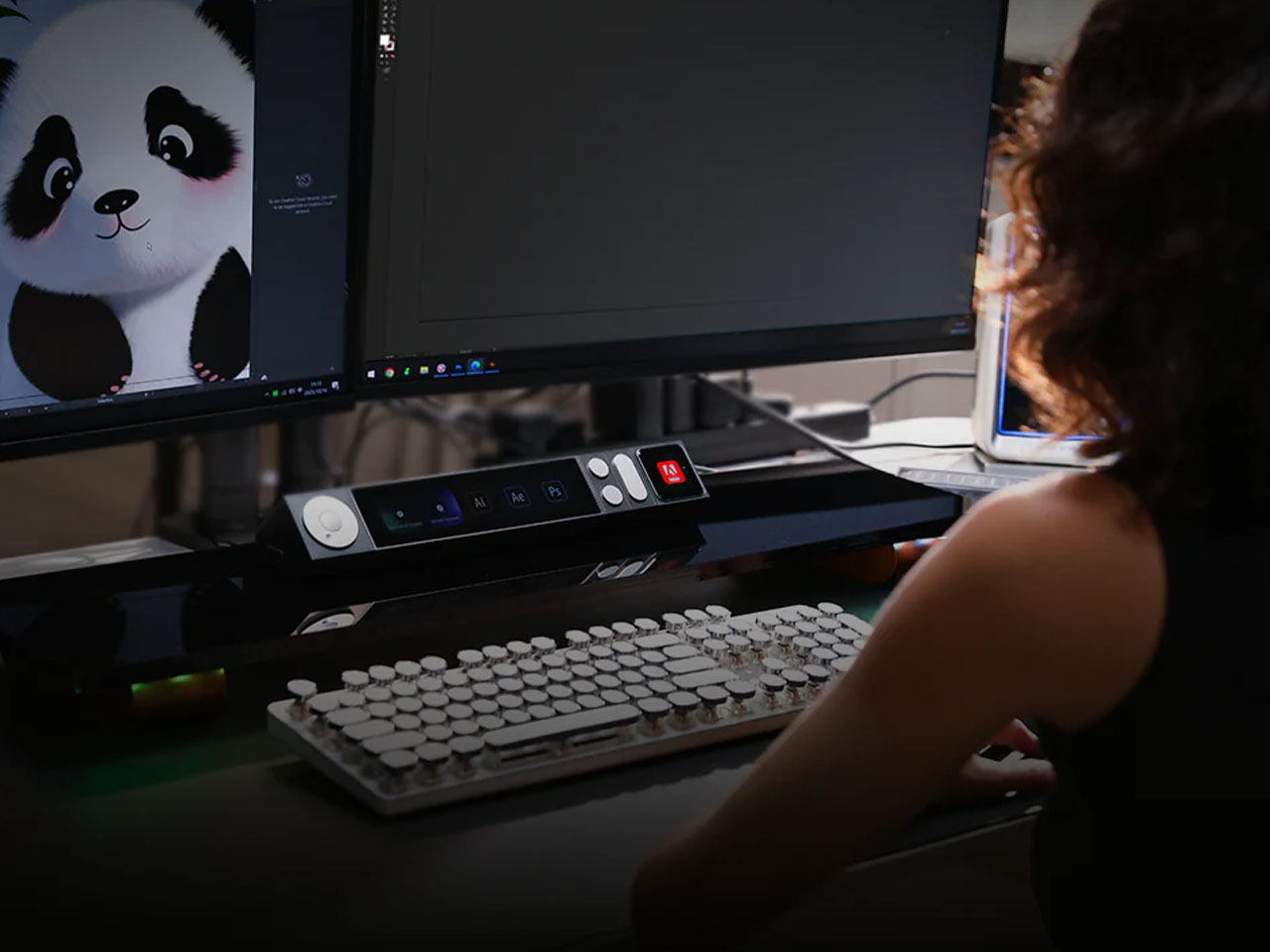
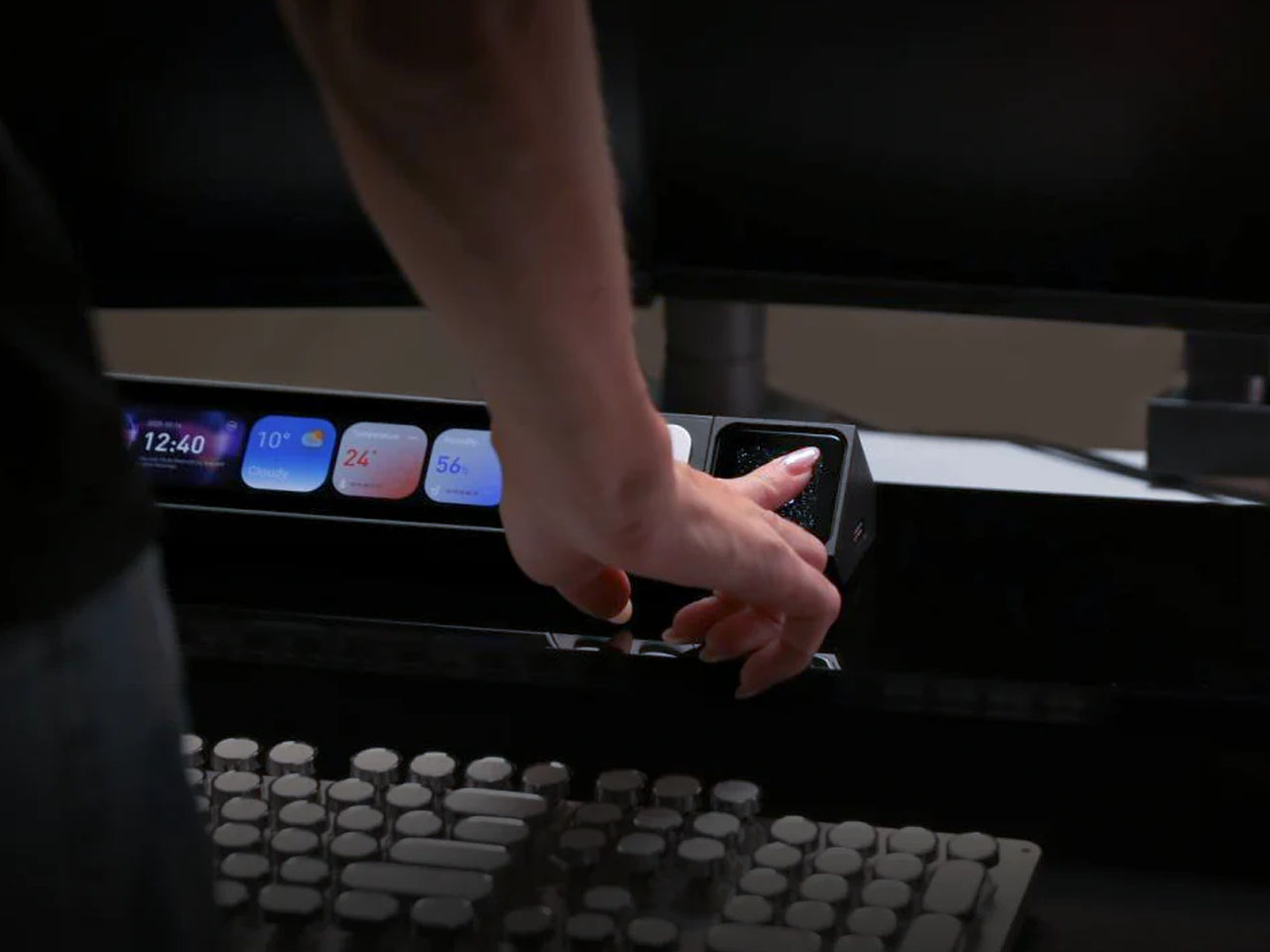
VivoCube connects to the CoreBar over Wi-Fi, which allows it to function as a secondary display or a standalone controller. A single tap on the VivoCube can instantly turn your PC monitor on or off, launch individual apps, and open multiple programs at once. For instance, you can open Photoshop and Illustrator together with just one touch, or fire up Zoom, Excel, and a web browser in a split-second right before a meeting.
The third module is SenseCube, which packs multiple sensors for light, temperature, and humidity. As highlighted by New Atlas, “Tapping can be programmed to set an alarm, play music, save a document, or mute your microphone.” Additionally, the module also detects when you approach your computer and turns it on automatically and switches it off when you leave. The best part, it doesn’t let you burn out and reminds you to take breaks during long work sessions.
Two more modules work as controls. This includes DotKey with mechanical buttons and KnobKey with a turning dial. As evident from the pictures, DotKey comprise three programmable buttons responsible for opening apps, copy and pasting content, and even deleting it. Basically, it handles all quick commands. KnobKey, as apparent by the name adjusts volume, screen brightness, AC temperature alongside managing other nitty-gritty tasks.
Collectively, UltraBar X is a fully standalone device with its own operating system (LineOS), so it keeps working perfectly even when your computer is turned off. It wakes the screen the moment you walk up and locks it when you leave, gently reminds you to move if you’ve been sitting too long, and automatically adjusts brightness to match the room.
The device lets you launch your favorite shortcuts with just one tap and connects effortlessly to Home Assistant, Sonos, Philips Hue, Apple TV, Spotify, and many other systems. To make UltraBarX not just a control center, but a desktop companion, it is integrated with a Voice Assistant as well. Thanks to this built-in AI that learns your routine, UltraBar X can dim the lights, set the perfect temperature, and start your relaxing playlist on weekday evenings. Whether you are a graphic designer, content creator or journalist like me, the device instantly shows your design tools when you say “Open Photoshop”; or brings up meeting controls the second a Zoom call begins.
UltraBark X provides SDK allowing developers to customize how it works to their requirement. If four modules aren’t enough, “you can stack up to 15 on the CoreBar and three on a separate VivoCube,” the company states. For the time being, UltraBar X modules are available in green, gold, and black colors, more are expected at the time of launch.
For those interested, the full set, including the CoreBar and all four modules, is priced at $469, a 30-percent discount off the anticipated retail price. The basic set, which includes the CoreBar, DotKey, and KnobKey, is however available for $289 to Early-Bird backers.