xTool just put out almost its entire collection at attractive discounts this Prime Day. The sale had something for everyone in the creator economy. Now, with the objective of taking the complex tasks of material alignment, settings, and maintenance out of the picture and leaving dedicated creators with more time to focus on their creativity, xTool has released the O1 Omni Printer.
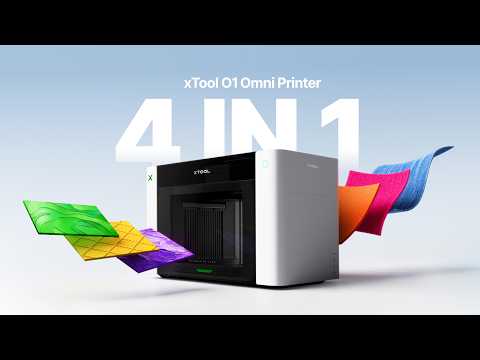
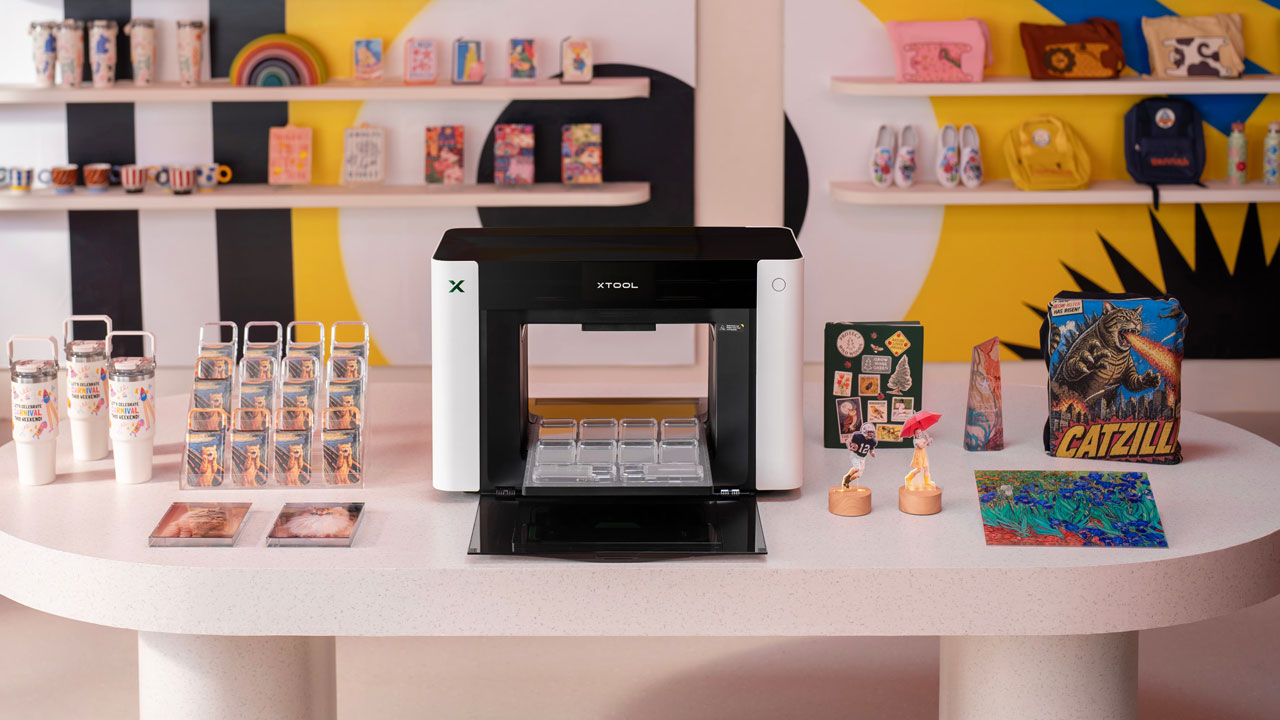
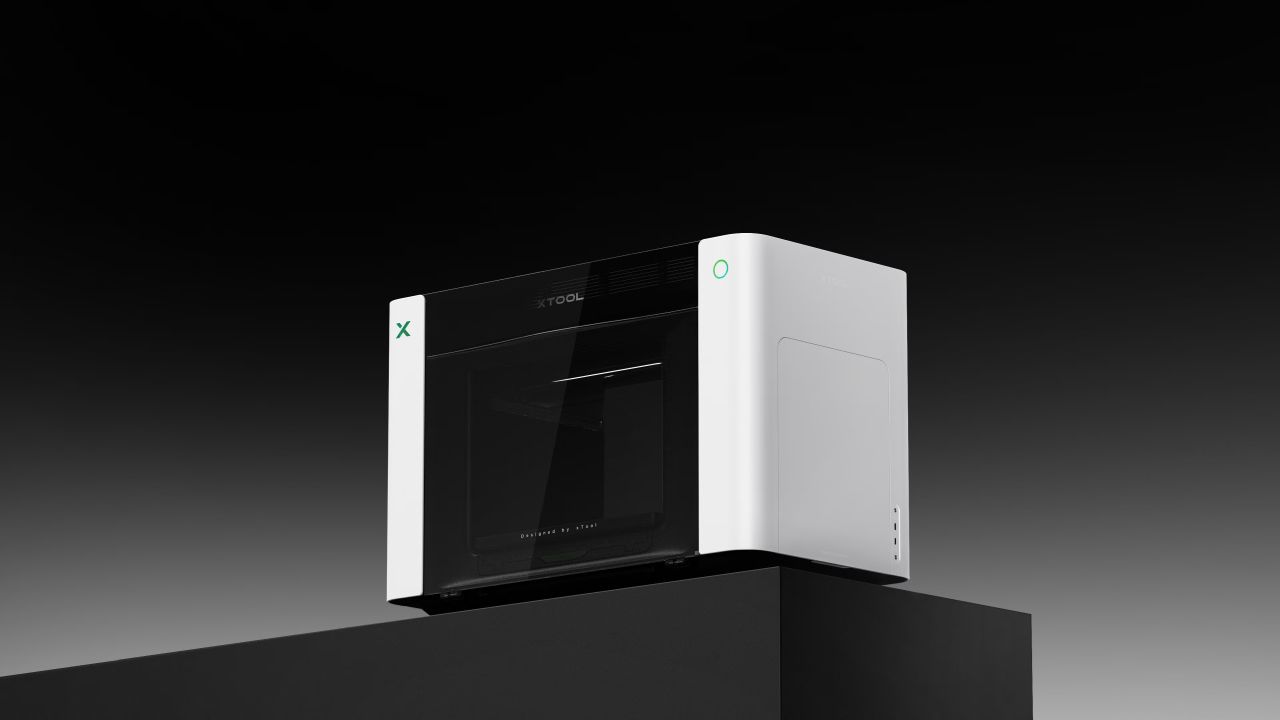
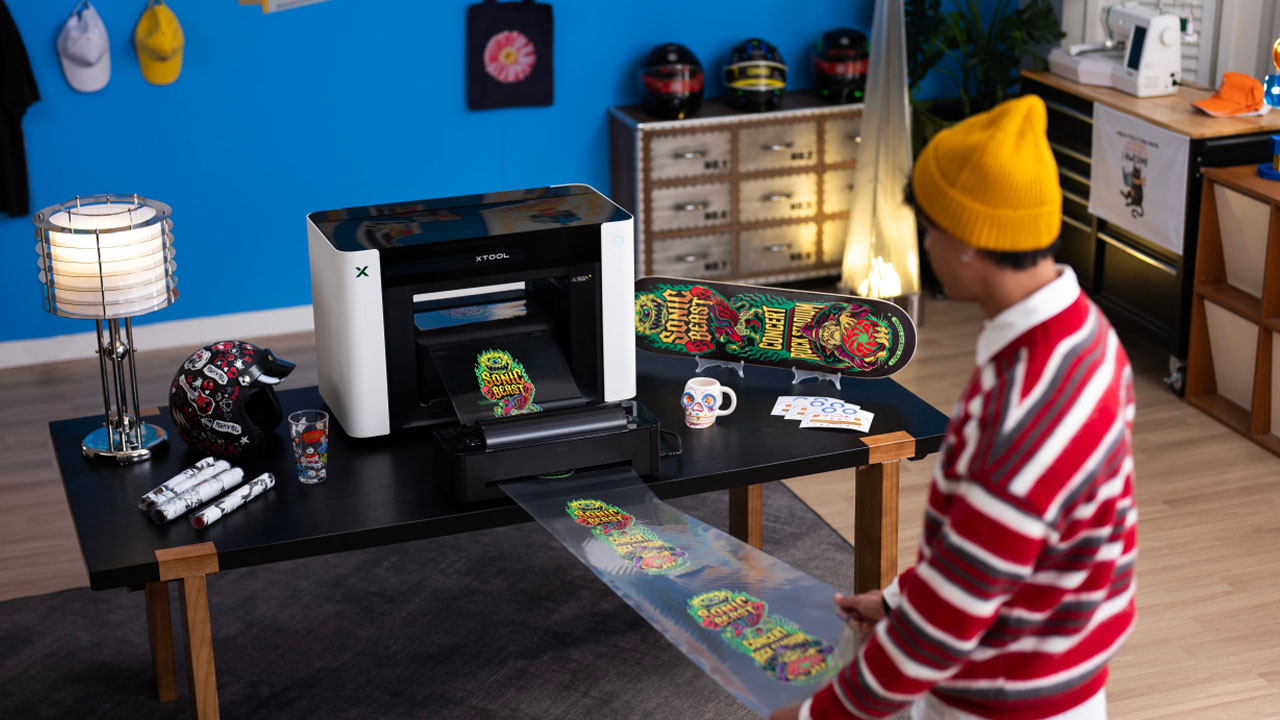
The new xTool O1 Omni Printer is not another industrial machine to make matters complex. It, in fact, is the world’s only desktop-based printer that can “print anything with UV, DTF (Direct-to-Film), DTG (Direct-to-Garment), and UV DTF.” This allows the printer to work with everything from hard materials like acrylic, metal, glass, and wood to textiles, with equal convenience, and gives hobbyists and seasoned creators the choice to step up their printing game.
O1 Omni is Versatile Printer for Everyone’s Need
Generally, expansion – whether for a beginner or a professional – requires investing in more than one machine. The versatile O1 Omni is a portable solution if you want to take care of a range of printing materials with a single machine and not invest in a separate machine for every other part of your workflow. So, unlike your UV printer that cannot handle apparel, or the solo DTG printer that fails with hard goods. The O1, being a combination of four machines in one, can expand compatibility with almost all possible material types with just one printer.
The versatile O1 Omni doesn’t just simplify the printing possibilities; it even minimizes the number of software and maintenance required during use and beyond. Suggesting its inherent efficiency and the idea behind its creation, xTool informs, “O1 Omni Printer… instead of forcing creators to choose between hard goods, curved objects, and apparel,” brings forth one “printing system” that can allow all these “workflows together.”
Benefits of New xTool O1 Omni Printer
Since the xTool’s new machine is built for industrial-level output on a desktop footprint, it features performance drive system with dual XP600 printheads. Offering a generous work area measuring 330 x 420 mm with 150 mm print height, the printer is designed for safety even in a small studio or a house you share with kids and the elderly.
To that end, the printer includes a built-in HEPA and Active Carbon filtration system that maintains a healthy indoor workplace. To ensure its maintenance is straightforward, you can leverage the onboard features like SmartCycle 2.0 and Vacation Mode that keep the printhead moisturized and prevent the ink from clogging for up to a duration of two weeks at least.
Alongside minimizing regular maintenance, the O1 Omni also takes away the need for manual alignment with intelligent automation using a built-in Pixel Scan vision system. The printer uses a Contact Image Sensor (CIS) for high-definition, 1:1 scanning of the entire print bed, eliminating the edge distortion that machines relying on traditional cameras are notorious for.
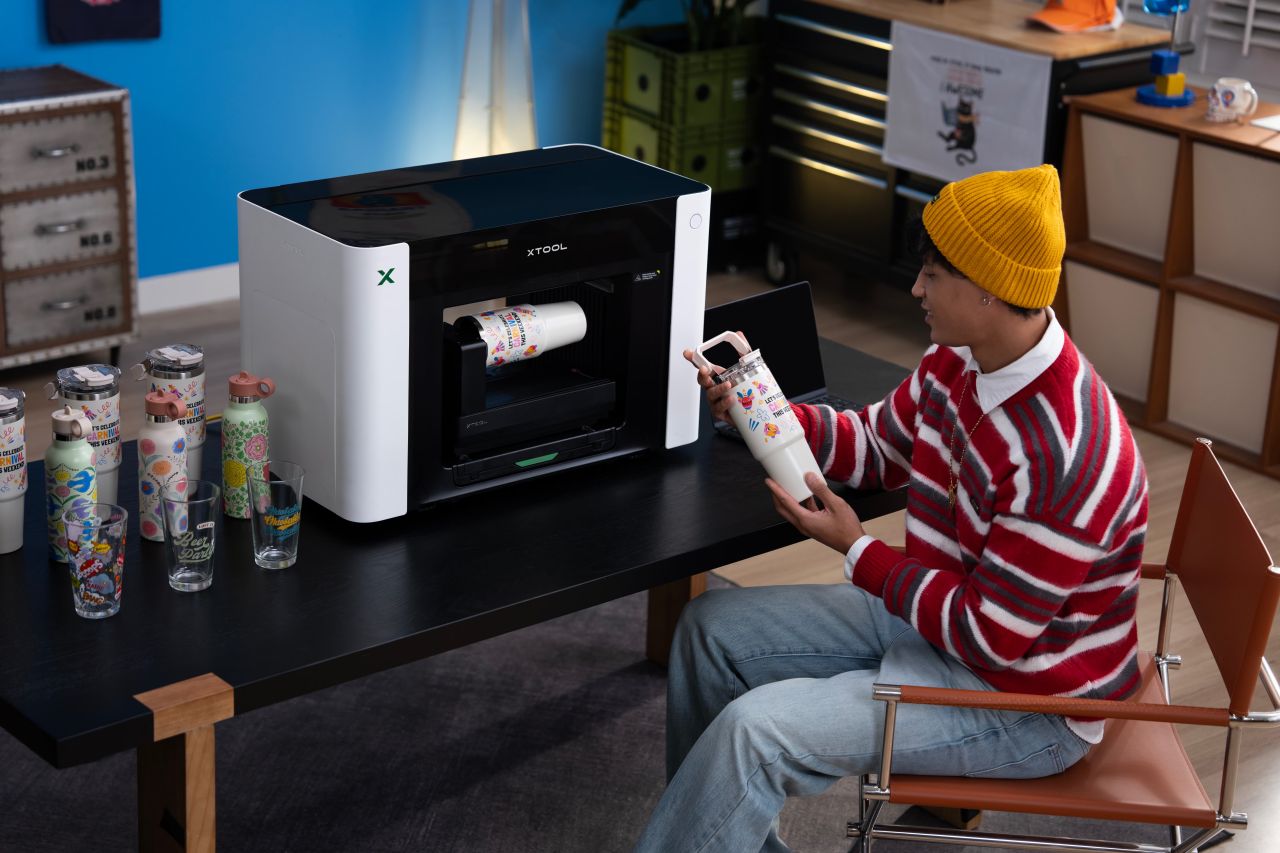
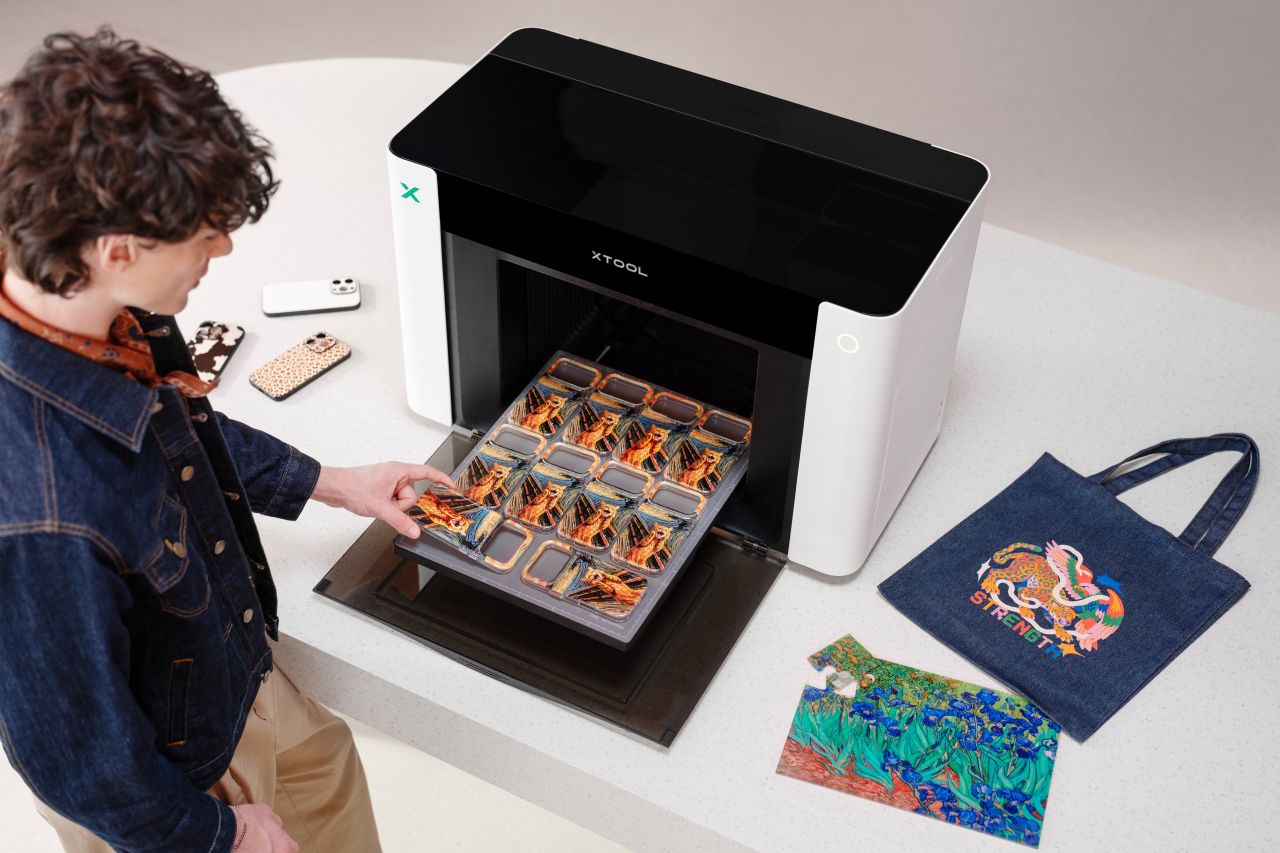
Working with hard goods or fabric on the O1 Omni is effortless for even beginners. While professionals will really rejoice in the machine’s drop-and-go workflow. You can just leave the object anywhere on the print bed, and the O1 with integrated AI will instantly position itself with 0.1 mm precision. This, courtesy of 3D modelling, is also possible when working with tumblers and cup shapes. The laser scans the object to create a 1:1 3D model and then ensures up to 90% alignment of the rotating object on the bed.
It is not Only About Adding More Print Options
xTool O1 Omni Printer integrates UV, DTG, and DTF capabilities, allowing users to seamlessly switch between printing on hard surfaces and flexible textiles in the wink of an eye. But this integration of various workflow possibilities in one platform doesn’t just involve congregating different print options. In fact, it also requires better control over ink and how workflows are shifted.
“Each” print “method has a clear strength, but each also has a boundary.” While “UV is strong for hard goods. DTG is strong for cotton apparel. DTF is flexible across fabrics. UV DTF is useful for curved and irregular hard surfaces,” xTool notes. Therefore, each printing method on the O1 comes with its own Greenguard-certified ink: Dual-White UV ink to print on wood, acrylic, leather, and metal. Hard White scratch-resistant ink for more rigid materials, and Soft White ink to work without cracking on fabrics, PVC, leather, and other flexible materials.
The O1 Omni Printer is scheduled for a June 2026 launch. Pre-order pricing starts at $3,499. Early-bird backers can get their units with a $50 deposit and a special bonus package of $459.
For all possible printing efficacies, the O1 Omni is available in three different models based on their printhead and ink configurations. The desktop device is definitely a ‘one-stop solution’ for everything from rigid goods to fabrics; however, its specific capabilities depend on which edition you choose:
- UV Edition: A standard model configured with a CMYKWV (Cyan, Magenta, Yellow, Black, White, Varnish) ink channel for printing on hard materials like wood, metal, etc. It’s available for preorder now at $1,699 (retail price $2,499)
- Dual Head UV Edition: This model adds a secondary printhead to the UV, featuring additional ink channels including fluorescent or hard and soft white inks. Preorder now for $2,699 (retail price $3,299)
- UV + Fabric Hybrid Edition: Of course, this model can handle both hard goods and fabrics. This uses the xTool Fabric Ink to print directly on the garment (DTG) or onto films first before transferring it onto fabric (DTF). Now available for $2,799 preorder price (will sell later for $3,499)
According to xTool, you can also expand the functionality of these models with accessories like a Roll-to-Roll Attachment, a Rotary Attachment for cylindrical objects, or a DTG Platen for garments.