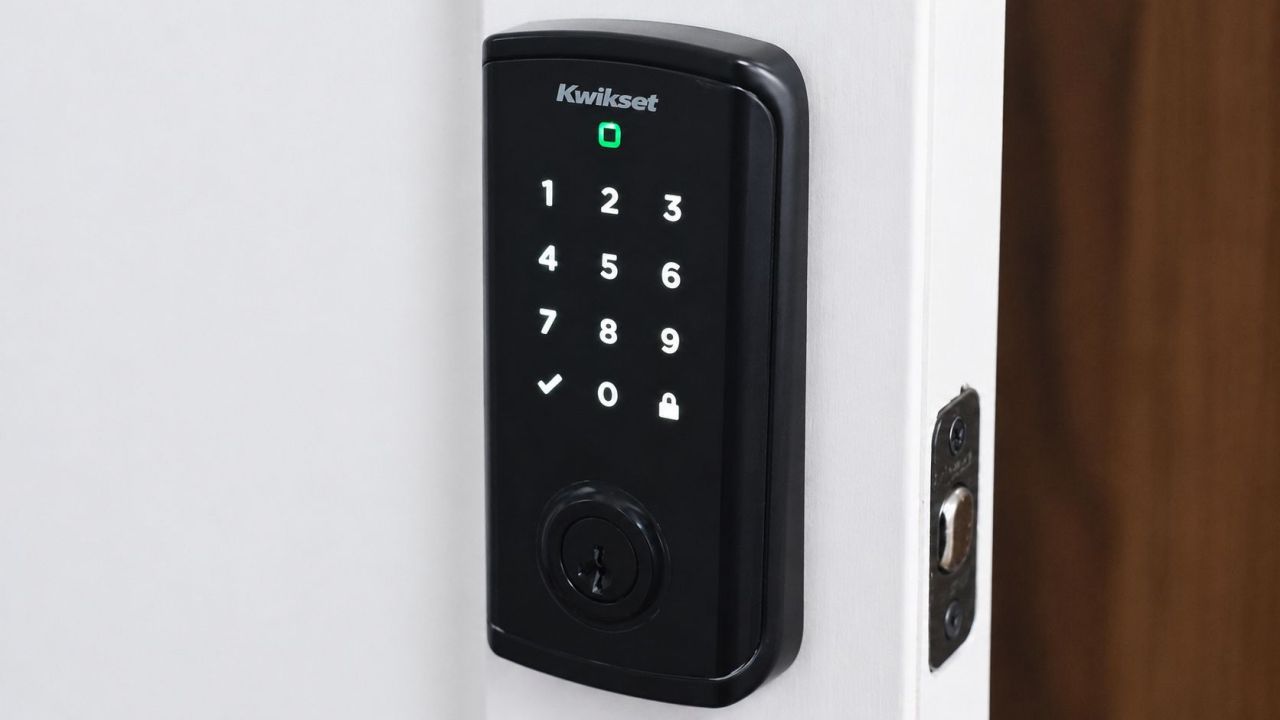
American company Kwikset is a renowned name in the smart lock market, and I got the opportunity to review its Halo Select Touchscreen Wi-Fi and Matter-enabled smart lock. After receiving it a few months earlier, I was really impressed with the quality as it felt quite sturdy, but the real monkey in the box came out after daily use.
This smart lock has been installed on the front door of our office for some time now, but I vividly remember the efforts of the installer, who took about 1-2 hours to complete the setup. Despite having barely any knowledge of smart home technology, he understood the project correctly and came up with innovative tricks to outfit the lock to the door. The most challenging task, according to me, was to align the spindle when finalizing the installation of both exterior and interior units so that the lock opens and closes properly.
Design and Build Quality
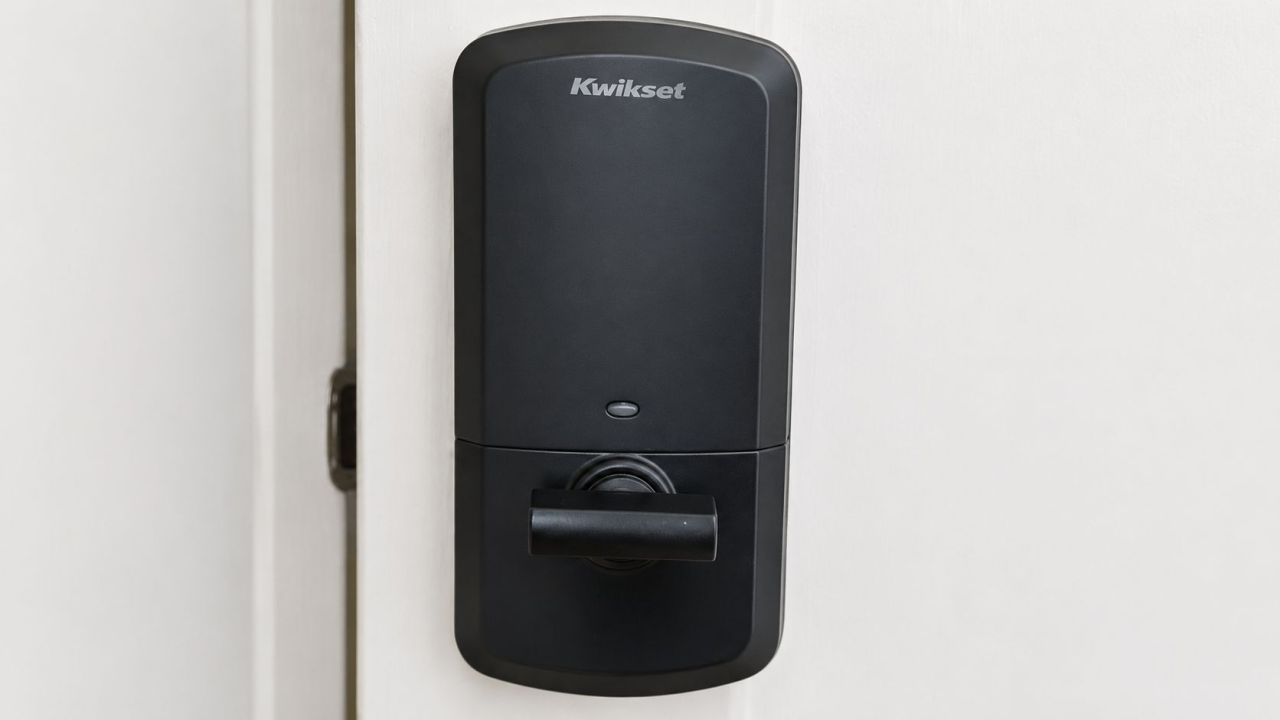
The Halo Select features BHMA Grade AAA security certification, which signals that you are investing in the right home security equipment for complete peace of mind. The sleek profile with Matte Black finish looks really stylish and complements our main office door beautifully. There is also a Venetian Bronze finish to match other styles. As for the build quality, the deadbolt movement is smooth and makes a very low sound when locked or unlocked.
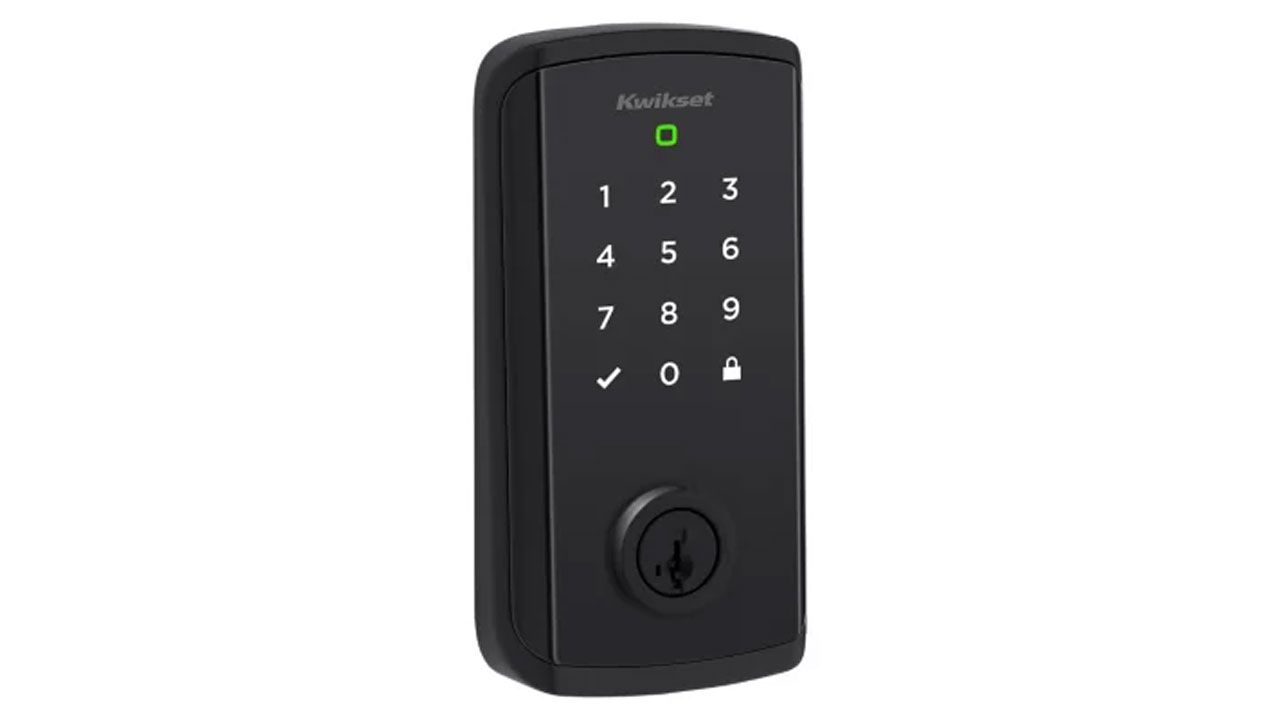
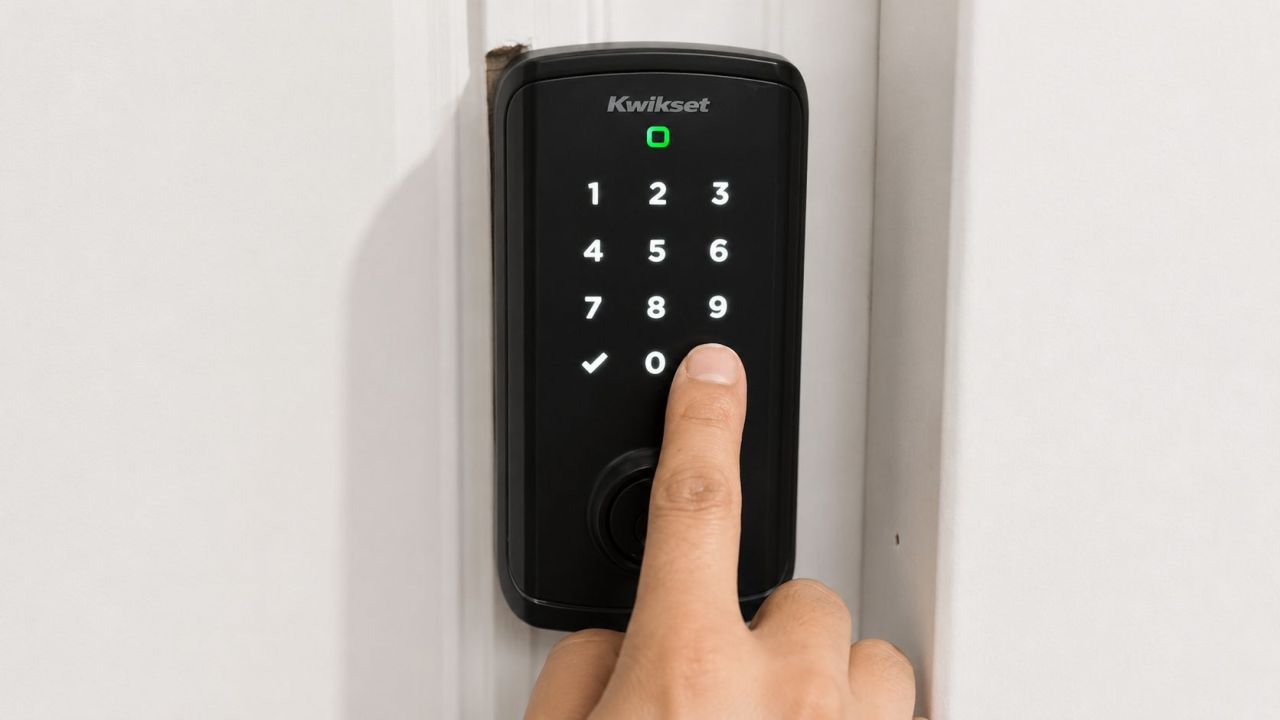
Each smart lock comprises two units: one for inside and the other for the outside of the door. The exterior unit has a metallic frame, so tempering is out of the question. This is probably the best thing I found in this smart lock. It features a clean and minimalist design language with a touchscreen keypad and a backup physical keyhole. The touchpad numbers appear only when someone touches the keypad, which is a good feature for battery saving.
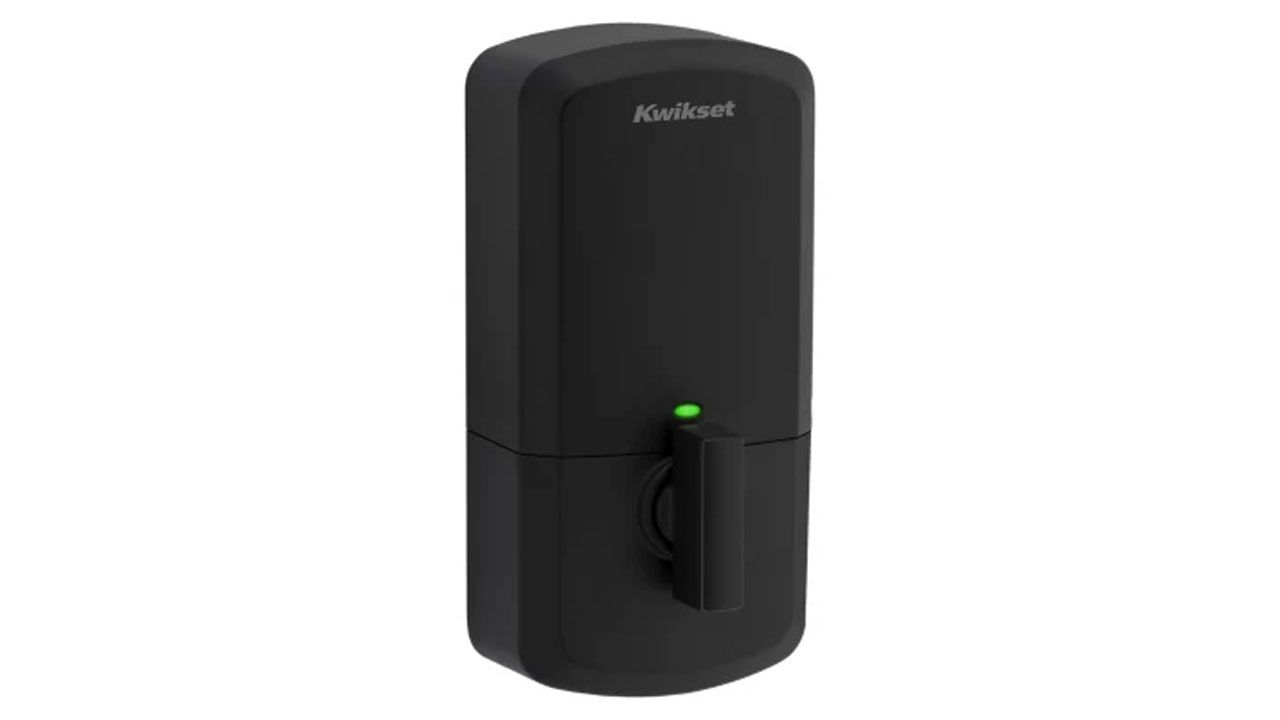
As hinted earlier, the smart lock felt durable at first glance, but the true picture came after using it for a few months. The inner unit of the smart lock has a very plastic-ky build, and to my surprise, it is nearly the same as most brands. During our testing phase, I had to remove its outer cover multiple times, and this repeated action may have led the cover to get out of shape over time. It became vulnerable to drops and breaking with just a simple drag, which could ruin the entire look and might not be easily replaceable. I have employed a simple solution by adding a folded paper piece into the cover to secure the fit.
As for the lock mechanism, it feels sturdy and well-built. Kwikset has included its SmartKey Security technology, which allows you to re-key the lock without replacing the entire cylinder. This feature is especially useful for rental properties.
Installation and Setup
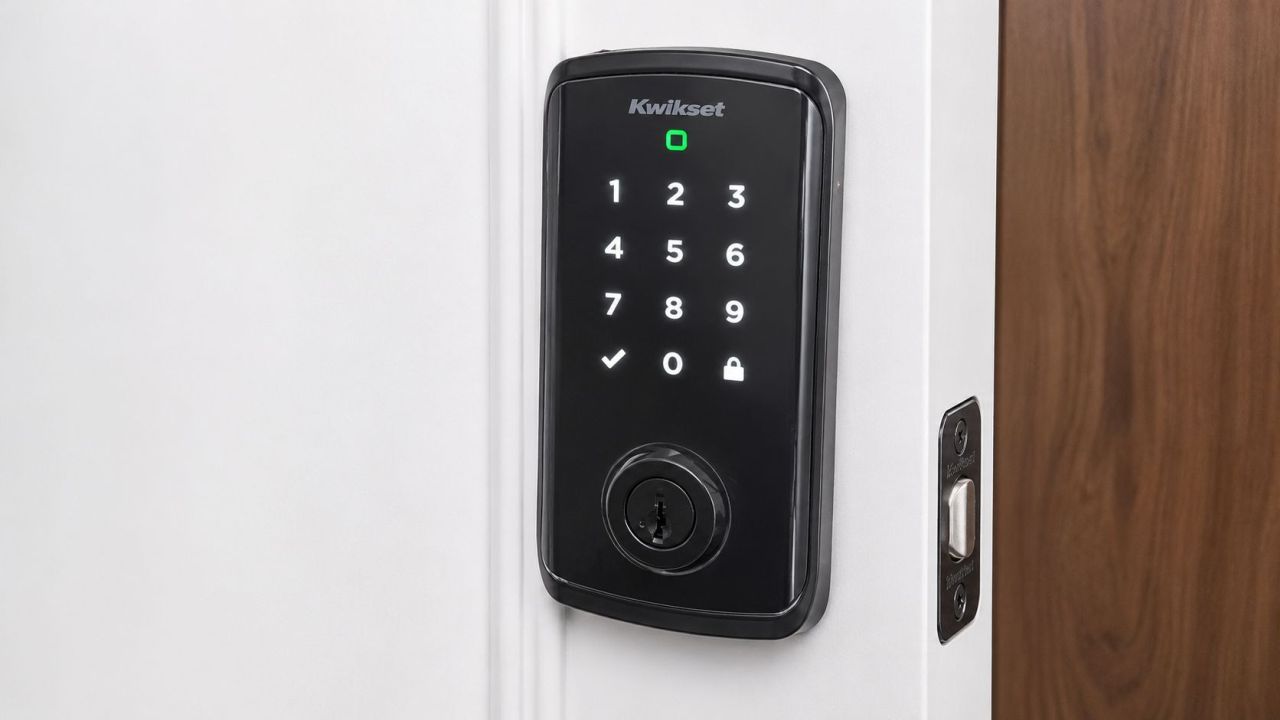
The installation process is straightforward, and you can get help with a guided tour in the Kwikset app. Outfitting the provided deadbolt to the door is the most time-consuming task, as it involves making a hole in the door or removing the existing one. Once installed, we paired it with our Wi-Fi network using the companion mobile app, and it worked seamlessly without any hub. One thing you need to make sure of is to connect your phone and lock on the same Wi-Fi network.
Also Read: Lockzo Video Smart Lock Review: 6-in-1 Deadbolt for Comprehensive Home Security
Smart Features
This smart lock has nearly all the features you would get in a similar build available in the market. The biggest MSP of this smart lock is flexibility. You can choose between direct Wi-Fi connectivity for advanced app features and Matter over Thread for better smart home integration and battery efficiency. I personally recommend using Wi-Fi mode as it is easy to set up and has additional features like auto-lock, door status detection, and intrusion detection alerts. On the other hand, the Matter platform has the benefit of improved battery life and local mesh networking that works without the internet.
You can nearly access all the features through the mobile app, but I also connected the Halo Select to my Google Nest Mini. The voice commands worked fine, but it required setting up the one-time passcode for security purposes. Fortunately, once setup is completed successfully, the connection tends to remain stable, and even the Google Nest Mini worked fine after turning on after a gap of a few days. If you are looking to connect the smart lock with the Apple Home ecosystem, you need to pair it through a compatible Thread border router.
One thing I find frustrating is that you need to be near the lock when accessing features that require Bluetooth connectivity, or you end up with a connectivity error.
Mobile App Features
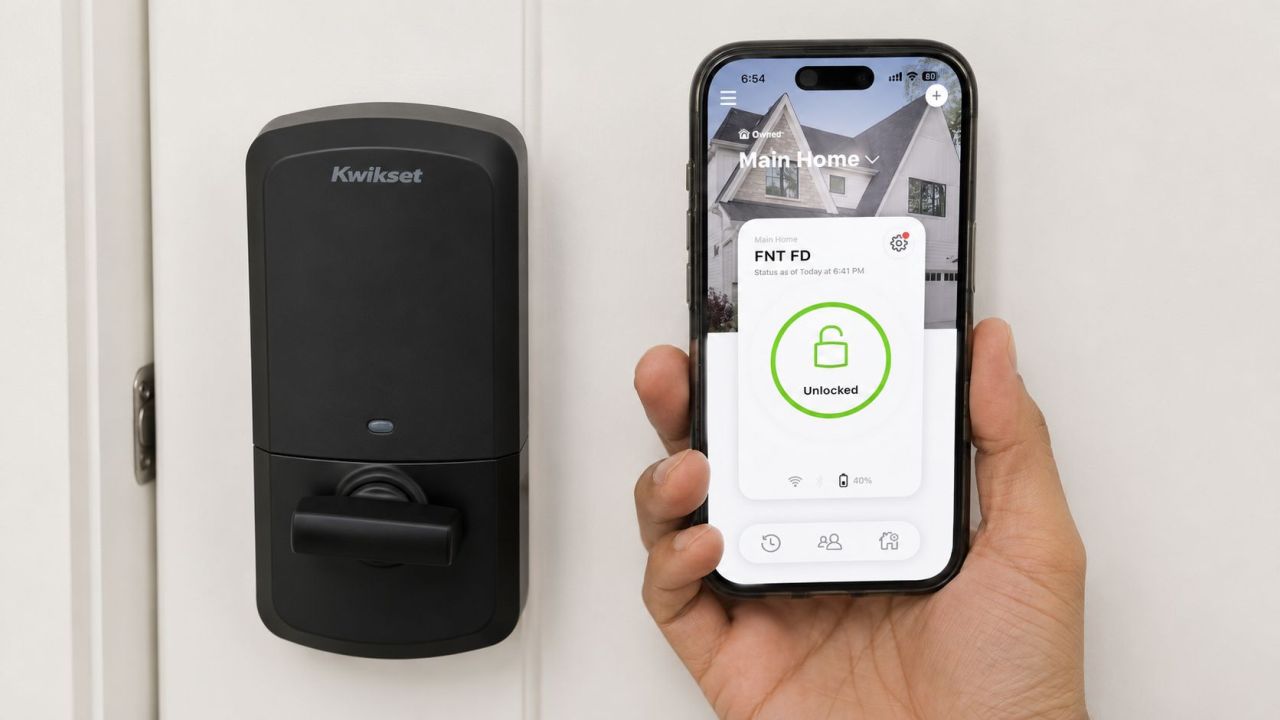
The Kwikset mobile app is a kind of control center for the smart lock. It not only shows the current lock status but also the battery percentage of the door lock, which can be really helpful so that you never get a locked door due to a low battery status. It allows you to add multiple user profiles and temporary or repeating access codes for visitors. The lock supports up to 250 user codes, which makes it particularly useful for Airbnb rentals, but there are no one-time PIN codes.
The most interesting and annoying feature for me was that it provided real-time activity notifications through the mobile app whenever someone locks or unlocks the door, so I know who entered the premises and at what time. That can be distracting, though, so you can turn the notifications off anytime. This feature is especially beneficial for working parents, as it lets them know exactly which child has arrived home through the assigned identification code. The mobile app also lets you see detailed activity logs.
Battery and Unlocking
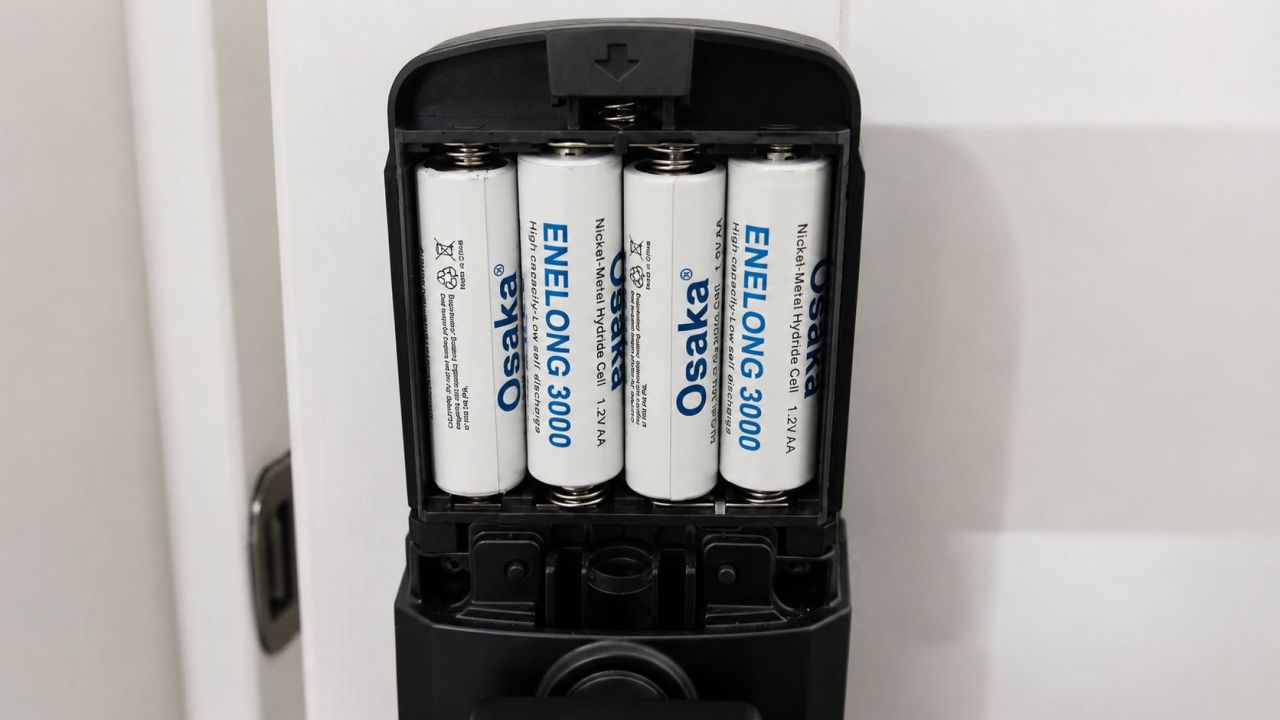
The Halo Select performs well in daily use. The lock uses four standard AA batteries, which have been working in our office for the past several months, as we only use it in the morning and evening when closing the office. You can unlock it using the touchscreen, remotely using the mobile app, via voice commands, and it even comes with two physical keys for an additional way of entry.
The touchscreen has lighted numeric keys as well as a really useful one-tap lock button. It also shows door status with green and orange light indicators. If the batteries die completely, the electronic features will stop working entirely, and you will have to unlock it using a physical key.
You can also use the auto lock scheduling feature that allows you to schedule it from 15 seconds to 25 minutes of lock duration. I wish it had a time feature that allowed me to auto-lock it at a particular time. However, there is also an option to auto-lock through Geofencing location-based technology. I would also recommend that you turn on the auto-lock feature first and then turn off the auto-unlocking feature to prevent any Bluetooth connectivity problems.
Final Verdict
Kwikset Halo Select stands out by combining two different worlds. On one side, it functions as a feature-rich Wi-Fi smart lock. On the other hand, it embraces Matter over Thread to let you enjoy multiple smart home ecosystems. The only drawback is that you have to sacrifice some of the features in the Matter mode.
Finally, I would say fast response and sturdy exterior unit are the two most impressive features for me, while smart home ecosystem interconnectivity is a standard feature that most people are getting it for. If this smart lock seems fit for your requirements, you can buy it for $180 from Amazon right now.
Follow Homecrux on Google News!